seniorcyberschool.com · hello@seniorcyberschool.com
For complete beginners

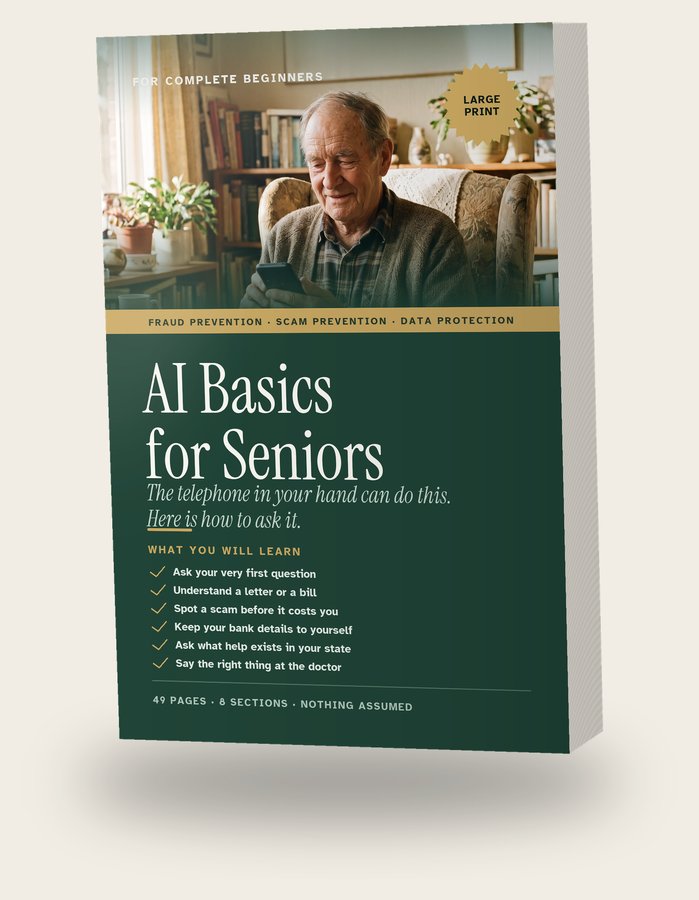
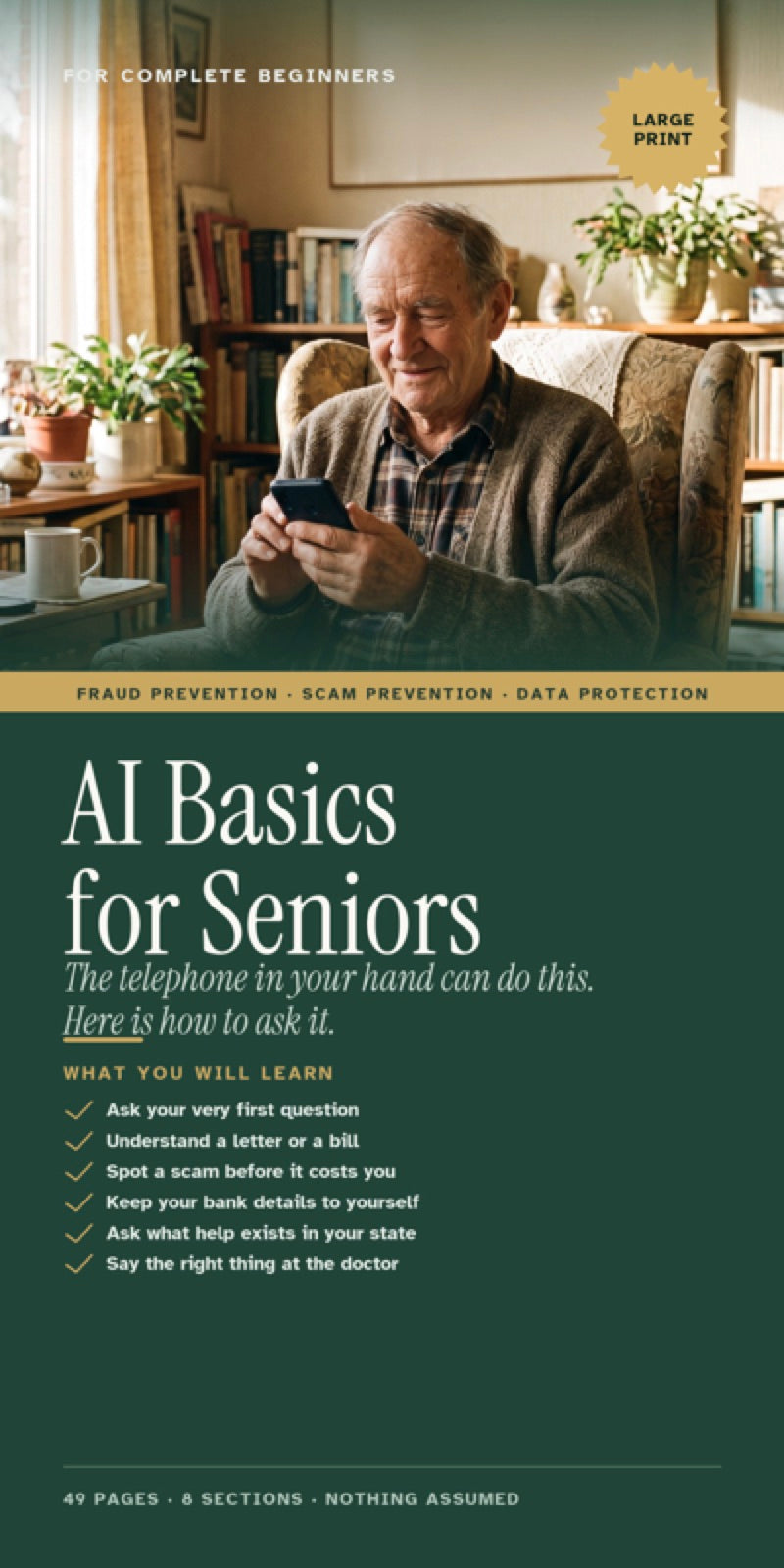
AI Basics for Seniors

  • This is a book. It lives on your phone. Not paper.
  • It gives you sentences to type into ChatGPT, a free program. Then your bill or letter gets explained.
  • $49, one time. 30 days to change your mind.
AI Basics for Seniors: the book, and the same book open on a phone

The book, and the same book open on a phone. It comes as one file.
AI means a computer program that answers questions. The book gives you 50 sentences to type. Each one is written out for you. You need the free ChatGPT program too. The book shows how to get it. Someone in your family can do that part.

$49 once. Nothing renews.

$49 once. By email in a minute. 30 days to change your mind.

AI Basics for Seniors: the book, and the same book open on a phone

The book, and the same book open on a phone. It comes as one file.
1Part 1 of 6 · The one thing to know

The program that answers is called ChatGPT.

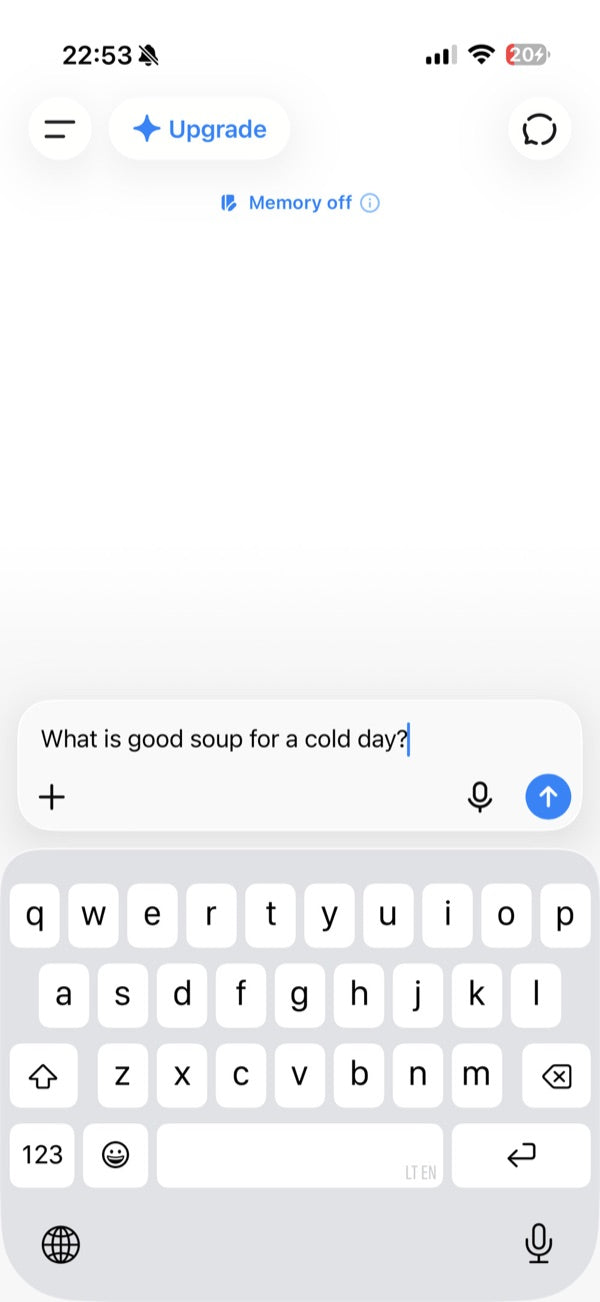
You type this.
You type this.
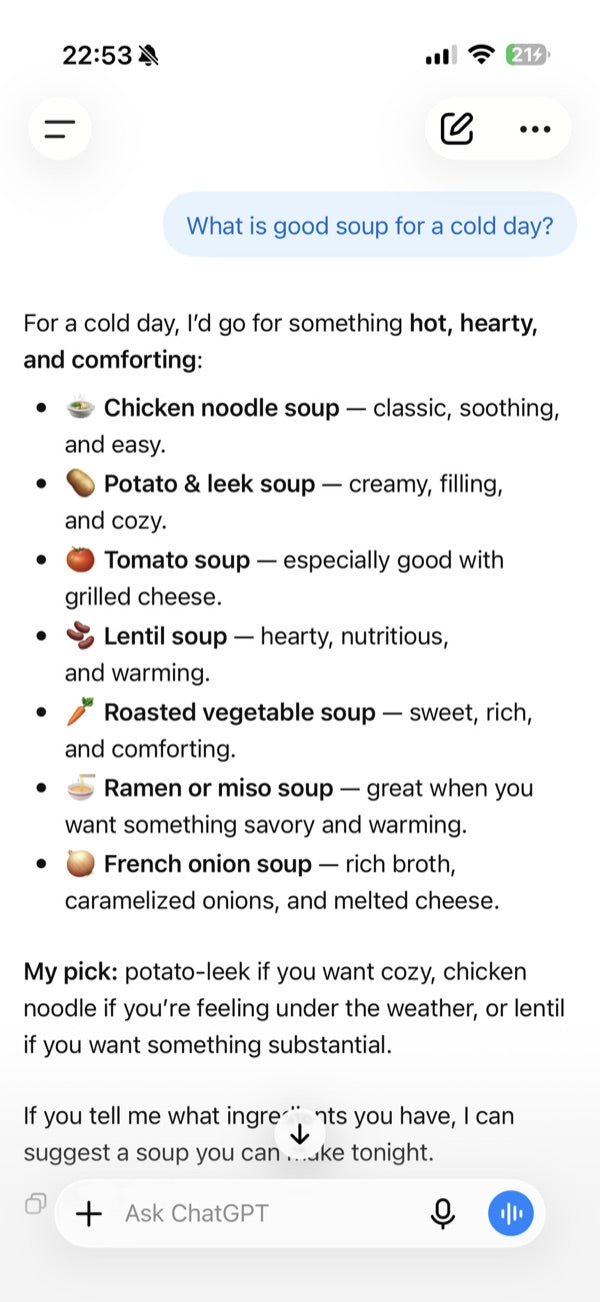
It answers.
It answers.

These are real ChatGPT screens. You type a question. It answers.

ChatGPT is a free app. An app is a program on your phone.

You put it on your phone one time. You make a free account with your email. No card. The book shows the screens.

Someone in your family can do that part for you.

The company that makes ChatGPT is called OpenAI. Not us.

There is a paid ChatGPT too. You do not need it.

What it does for you

Three things the book helps with.

Some of the things the book shows you how to do.
Taking a picture of the letter.
2Part 2 of 6 · How one page works

Here is how one page of the book works.

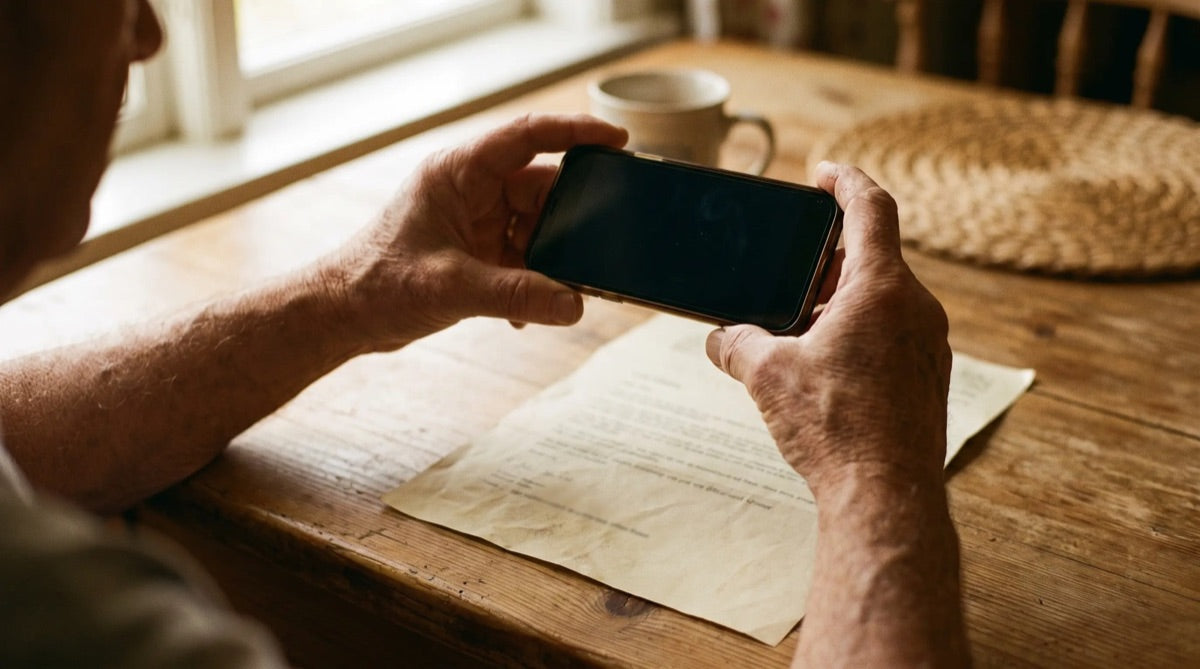
  1. Cover your account number with a slip of paper. Also your Medicare and Social Security numbers.
  2. Open ChatGPT. Find the empty box at the bottom of the screen.
  3. Next to the box is a + sign. Tap it. Then tap Camera. Take a picture of the letter.
  4. Type the book's sentence for letters under the picture. Then tap the arrow. That sends it.
  5. Read the answer. Then check the dates and money on your paper. ChatGPT can read a number wrong.

Every chapter in the book works this way. Keep the book open next to you, or print the page you need.

3Part 3 of 6 · What to type

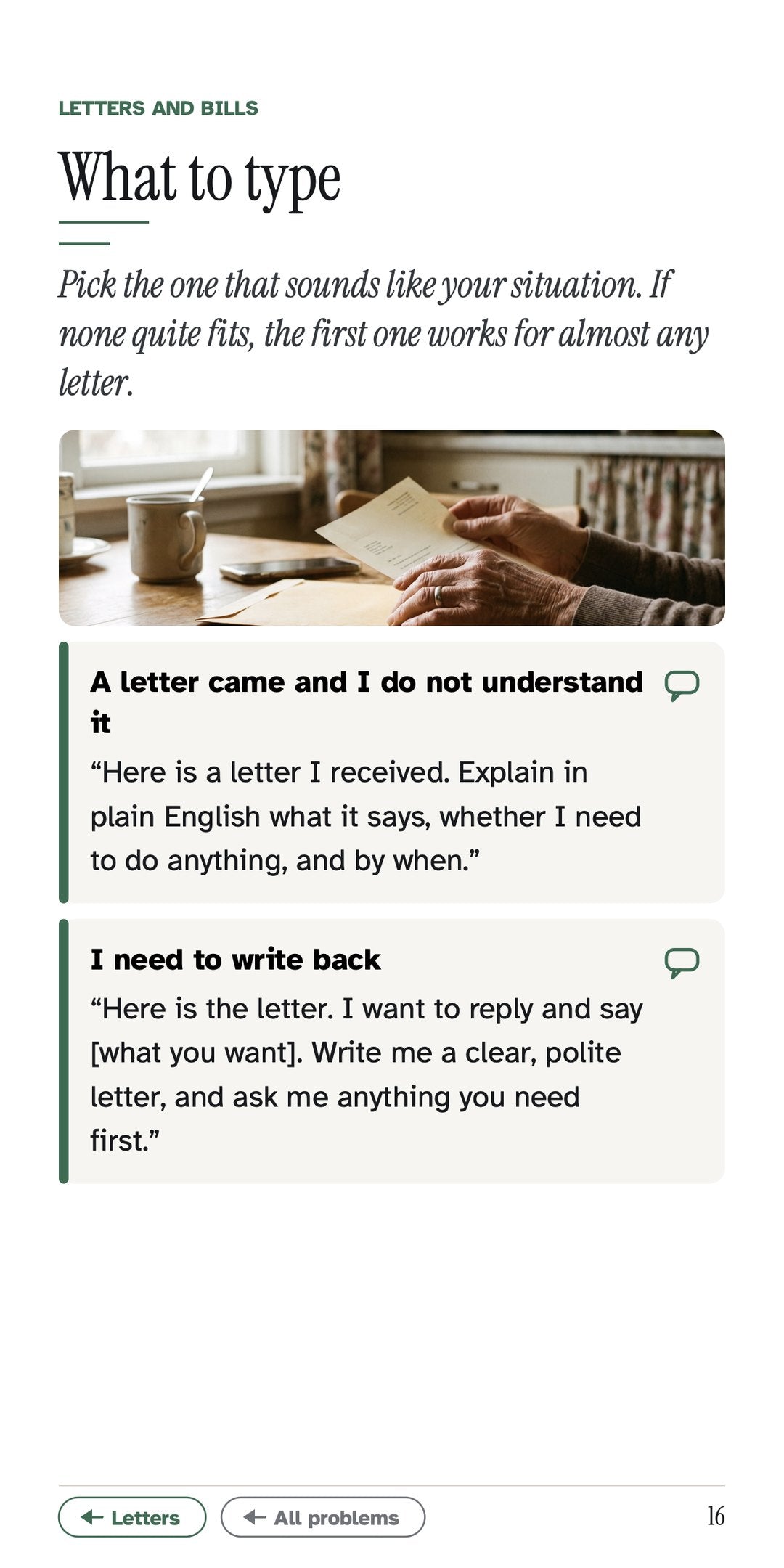
Here are two of the 50 sentences.

For a letter

“Here is a letter I received. Explain in plain English what it says, whether I need to do anything, and by when.”

For a bill. Insurer means your insurance company.

“Here is a bill and here is what my insurer sent. Explain what each one is, what I actually owe, and whether anything looks wrong.”

You type them word for word. Type slowly. A small mistake is fine.

4Part 4 of 6 · See inside

Three real pages from the book.

The pages look like these. Big print. One idea per line.

30 days. One email. Full refund. You keep the book.

5Part 5 of 6 · What is in the book

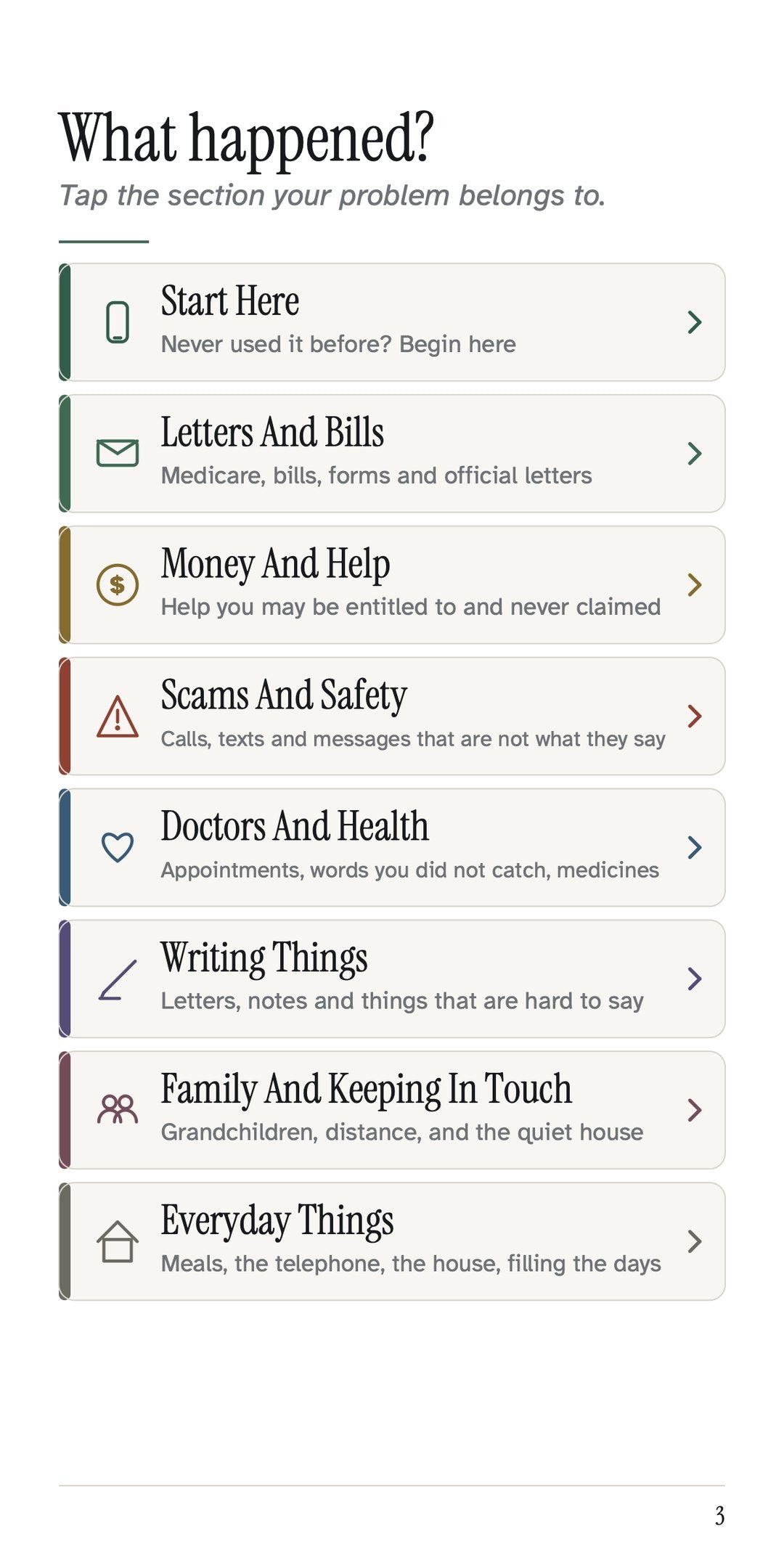
The book has 8 sections.

Each section gives you sentences to type. Then it says what to check before you act.

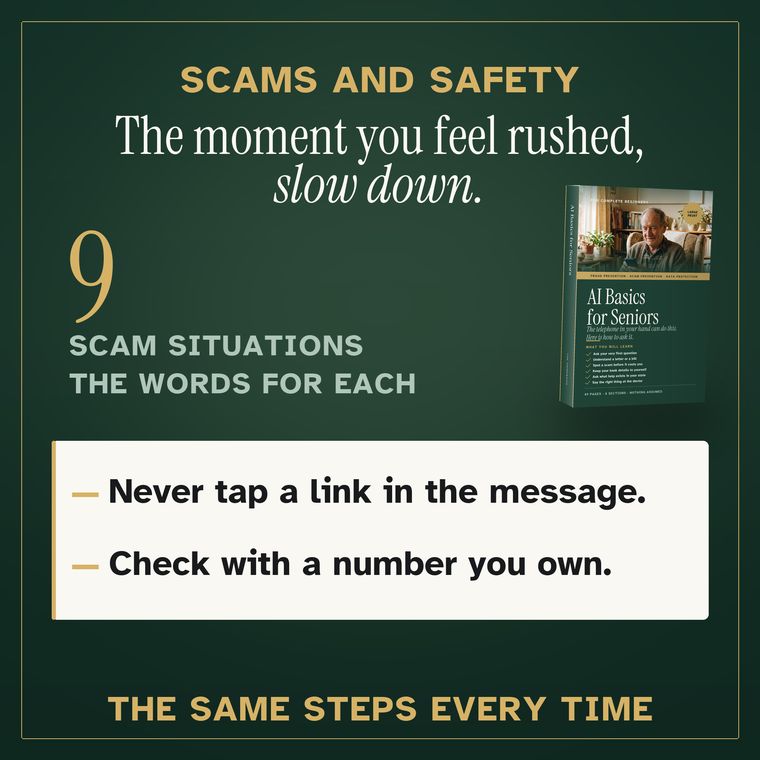
The scam section gives you the words to check a call, a text or a letter.
6Part 6 of 6 · Scams

For a scam, take 5 steps.

  1. Do not tap anything in the message. No links. No numbers.
  2. Copy the message. Press and hold on it, then tap Copy. The book shows how.
  3. Open ChatGPT. Press and hold in the box, tap Paste. Then type the book's scam sentence.
  4. If ChatGPT says scam, treat it as a scam. If it says it is fine, still check.
  5. Check by calling the number on your own card or bill. Never the caller's number.

The people who run scams are good at it. Being caught is not being foolish.

For the reader, and whoever sits with them.
Who it is for

Who this book is for.

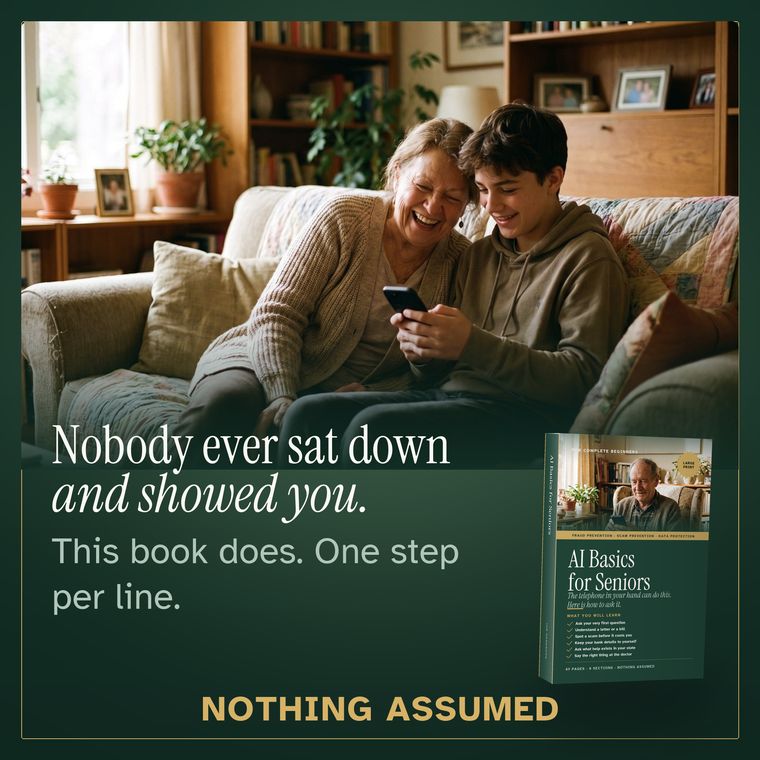
Anyone who was never shown how to ask a phone a question.

Every step is written out. Even what the little pictures look like.

Not for you if you already use ChatGPT every day.

Buying it for your mother or father? Buy it with your own email. Then send the email on to them. Sit with them for the first question.

The one-email promise

You have 30 days to change your mind.

Not for you? Send one email to hello@seniorcyberschool.com within 30 days. No reason needed.

You get all $49 back within 5 business days. Your bank may take a few more days to show it.

You keep the book. A file cannot be taken back.

The Refund Policy below says the same thing.

— Senior Cyber School

Who is making the promise

Here is who we are.

  • We are Senior Cyber School. Cyber just means computers.
  • Email: hello@seniorcyberschool.com. A real person reads it, Monday through Friday. Ask questions before you buy, too.
  • No phone line yet. We will not print a number that nobody answers.
  • A company called Shopify takes the payment, like a cash register. We never see your full card number.
  • We never see what you type into ChatGPT, or your letters.
  • No reviews yet. The book is new. We will not make reviews up.
  • The book is dated September 2026. It is written for the United States.
  • We are a private company. Not the government. Not Medicare. Not OpenAI.
Read this last

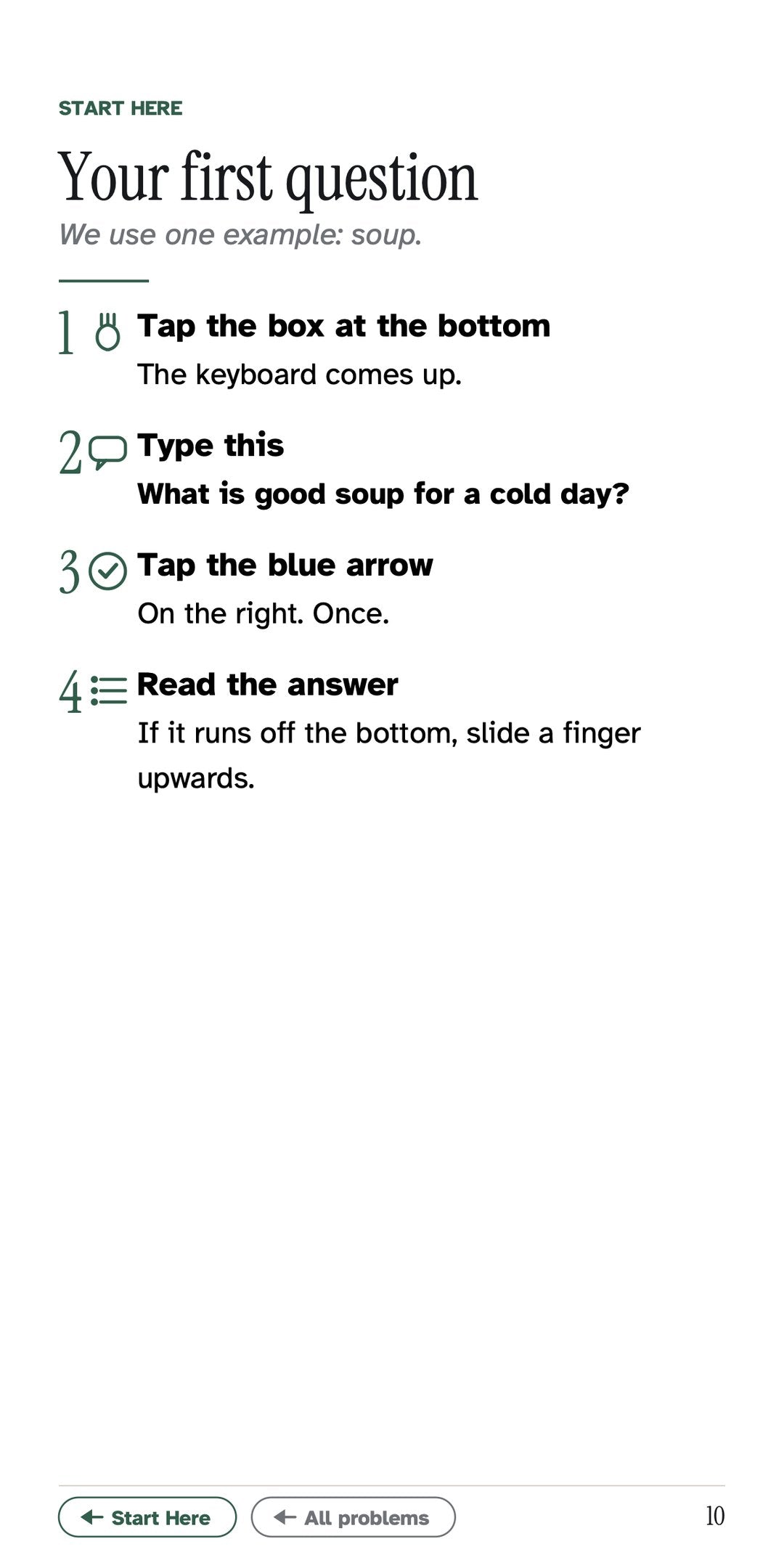
Start with an easy question.

Once ChatGPT is on your phone, type this:

“What is good soup for a cold day?”

It is only practice. Nothing depends on the answer.

After that, ask what you like.

From here, your AI journey starts.

$49 once. By email in a minute. 30 days to change your mind.

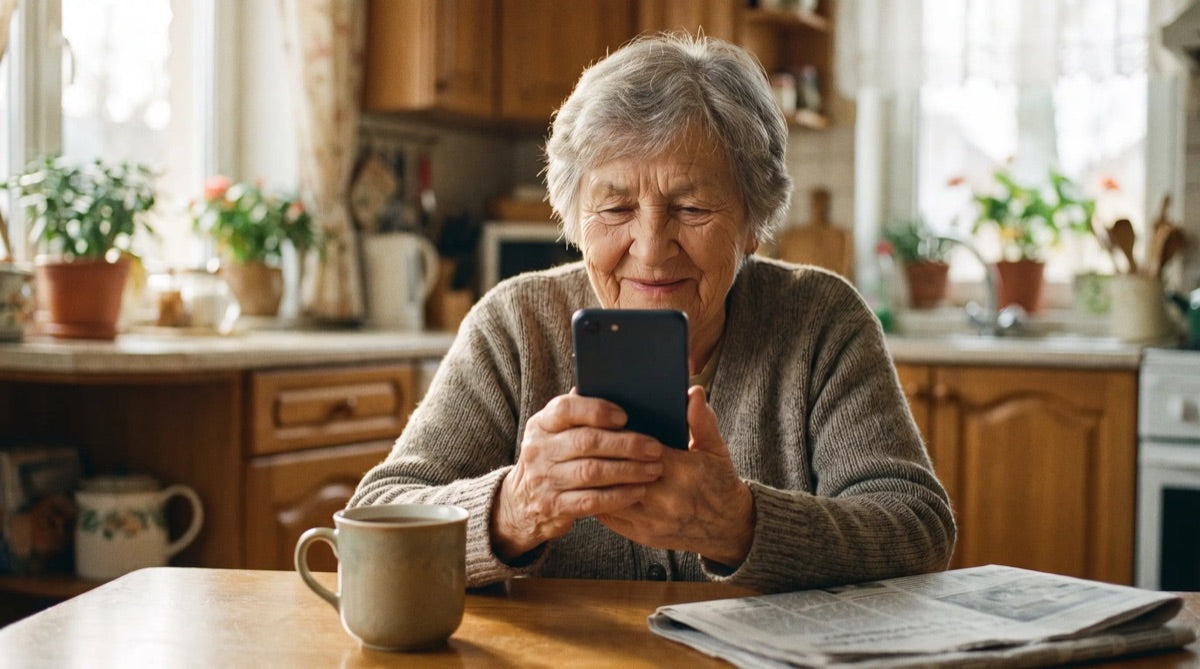
A reader at her kitchen table with the free app open.

Nobody is watching.

Ask it the same question ten times. It waits.

What it is worth

If it catches one wrong bill, it has paid for itself.

Read this if $49 seems a lot for 49 pages.

Some bills are wrong. Charged twice, or for something your insurance already paid.

The book gives you the words to type. Your phone reads the bill and the insurance letter. It says what looks wrong.

If the mistake is $49 or more, the book is paid for.

The same goes for a strange charge you cancel. Or a scam call you hang up on.

If all it ever does is catch one bill you did not owe, it has paid for itself. Here is exactly what you would be paying for.

The book

What you are buying.

One 49-page book, as a PDF file. $49, once.

Everything in one file: the book, the pages, the answers

One PDF file. The whole book. Yours to keep.

What it is not

  • Not an app, not a subscription, not a course. No lessons to keep up with.
  • Not ChatGPT itself, which is free and separate.
  • Not for someone who already uses ChatGPT every day.
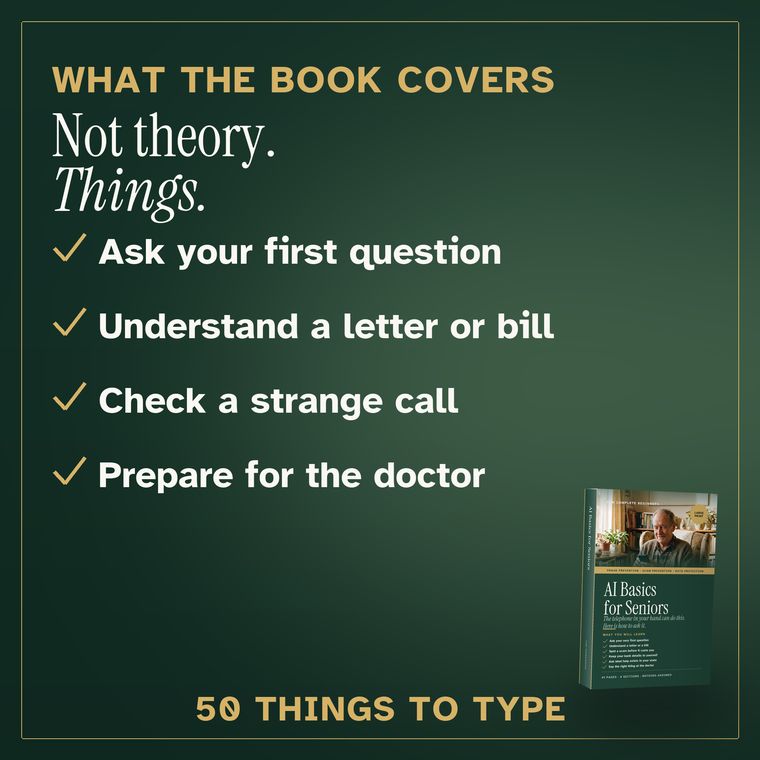
Cover: AI Basics for Seniors, Senior Cyber School

AI Basics for Seniors

PDF file · 49 pages · 17-point type

$49once

Nothing renews. Nothing comes in the mail.

You get
  • The 49-page book as a PDF, by email.
  • Start Here: ChatGPT on your phone, with pictures of the screens.
  • Fifty sentences to type, written out in full.
  • The five scam steps, and the sentence for money already sent.
  • A note in every chapter on what to check before you act.
  • Email help if you get stuck.
Get the book — $49

$49 once. By email in a minute. 30 days to change your mind.

What happens when you tap the button

  1. A page opens where you pay. You pay $49 by card. A company called Shopify takes the payment. We never see your full card number.
  2. The book comes to your email within a minute. No email after 10 minutes? Look in your Junk folder. Some phones call it Spam.
  3. Tap the email. The book opens on your phone, tablet or computer. You can save it, or print it. Keep the email too.

Stuck? Email hello@seniorcyberschool.com. A real person will help you by email.

Questions before you buy

Questions people ask.

If one is missing, email hello@seniorcyberschool.com.

ChatGPT is free. So why pay $49?

The book is what to type. 50 sentences, written out for you, and what to check after. One wrong bill can cost more than $49.

Do I need an account for ChatGPT?

Yes, a free one. Your email and a password. No card. The book shows the screens. Someone in your family can do it for you.

Where does the book live after it comes?

In the email. Tap it and the book opens. You can also save it to your phone. The book shows how.

Where do I type the sentence?

In ChatGPT, in the empty box at the bottom. Then tap the arrow. The book has pictures of the screens.

Can I talk instead of typing?

ChatGPT has a microphone button. You can try it. The book teaches typing, which works for everyone.

Who sees my bill when I take a picture of it?

OpenAI, the company that makes ChatGPT. Not us. Cover your numbers with paper first.

What if ChatGPT is wrong?

It can be. Check the numbers on your paper. For money, medicine or the law, ask a real person.

Does ChatGPT cost anything?

No. No card needed. There is a paid one. You do not need it.

Will it work on my phone?

iPhone or Android. Android is most other phones, like Samsung. It also works on a tablet or computer.

Does it need the internet?

Yes. Your phone plan or your home Wi-Fi is enough. The same as your email.

Is there a paper book?

Not yet. You can print the file, or ask someone to print it for you. 49 sheets.

Can I buy it for a parent?

Yes. Buy it with your own email. Then send the email on to them.

I use ChatGPT already. Do I need this?

No. This book is for beginners.

No email after 10 minutes?

Look in your Junk folder. Some phones call it Spam. Still nothing? Email hello@seniorcyberschool.com.

How do I get my money back?

One email to hello@seniorcyberschool.com within 30 days. All $49 back within 5 business days. You keep the book.

Cover: AI Basics for Seniors, Senior Cyber School
$49 once · 30 days, one email, full refund
Get the book — $49