Plain English, one step at a time.
Advertisement · Senior Cyber School

The call that says a grandchild is in trouble, and the sentence that checks it.

A free program on your phone can read a text message, or what a caller said, and say whether it looks like a scam. Here are the five steps, and the exact words to type.

Senior Cyber School · 4-minute read

Reading a message on the phone, letter in hand, before doing anything about it
Reading the message twice before doing anything about it. That is step one.

The moment you feel rushed is the moment to slow down.

The phone rings. Someone says a family member needs money, now. Or a text says a package is waiting. Or a warning on the screen gives a number to call.

Nothing here needs answering in the next five minutes. Whatever arrived, someone else has had the same one.

The people who run scams are good at it. Being caught is not being foolish.

A second pair of eyes, on your phone.

ChatGPT, say it "chat G-P-T", is a program that answers questions. It has a free version. You need a free account: an email and a password, no card. A company called OpenAI makes it. Not us.

You put the words of the message into it. The book shows how, one tap at a time. It tells you what the message looks like. Then you check for yourself.
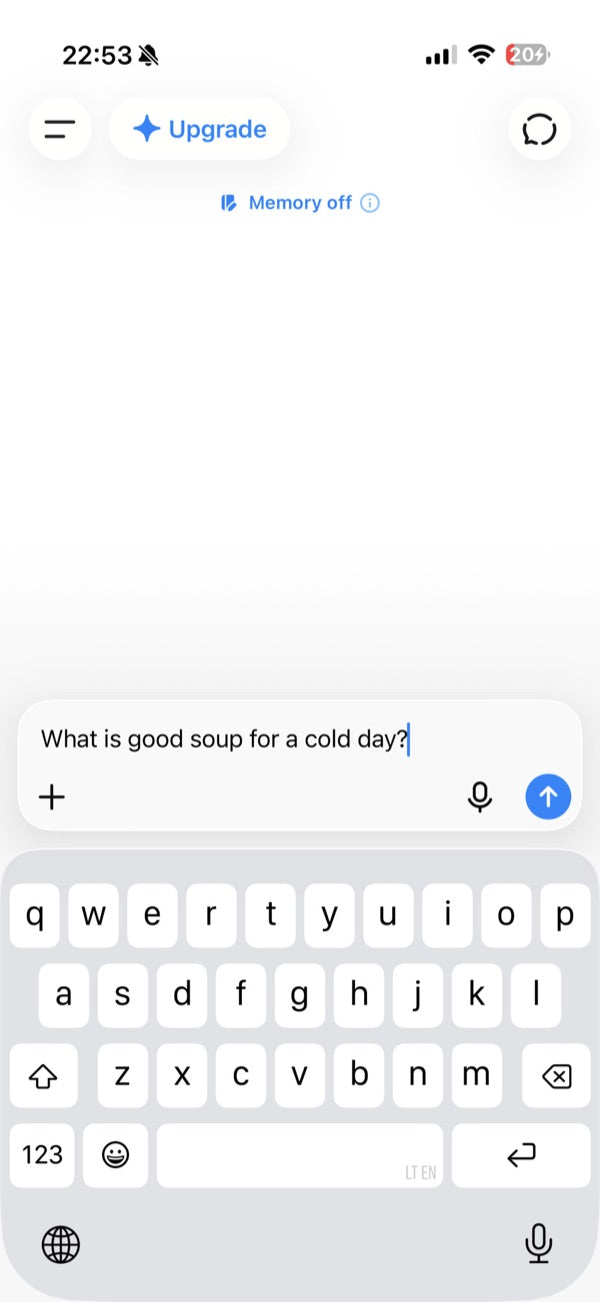
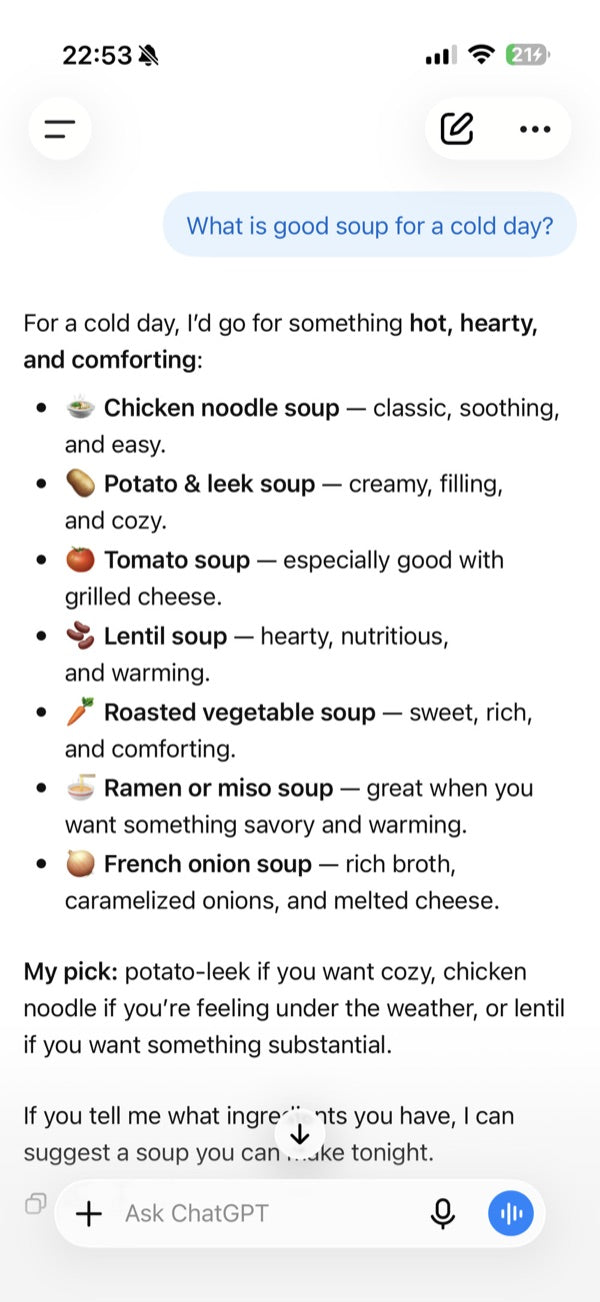
You type this.
You type this.
It answers.
It answers.

These are real ChatGPT screens.

The five steps, on one page.

  1. Touch nothing in the messageNo links. No numbers. Not yet.
  2. Copy it, or photograph itPress and hold a text, then Copy.
  3. Paste it in and askUse one of the sentences below.
  4. Believe it if it says scamAnd treat unsure as scam too.
  5. Check with a number you ownYour card. Your bill. Never theirs.

Two of the sentences.

A call saying a family member is in trouble

“Someone telephoned saying a family member needs money urgently. Here is what they said. Is this a scam, and what do I do now?”

A text or email you were not expecting

“I received this message and I am not sure it is genuine. Does it look like a scam, what are the warning signs, and what should I do?”

You type them word for word. Type slowly. A small mistake is fine.

What ChatGPT cannot do.

It can be wrong. If it says scam, believe it. If it says the message is fine, still check, by calling the number on your own card or bill. Never the caller's number.

If money has already moved, call your bank today. Then ReportFraud.ftc.gov. In an emergency, call 911.

Where the sentences came from.

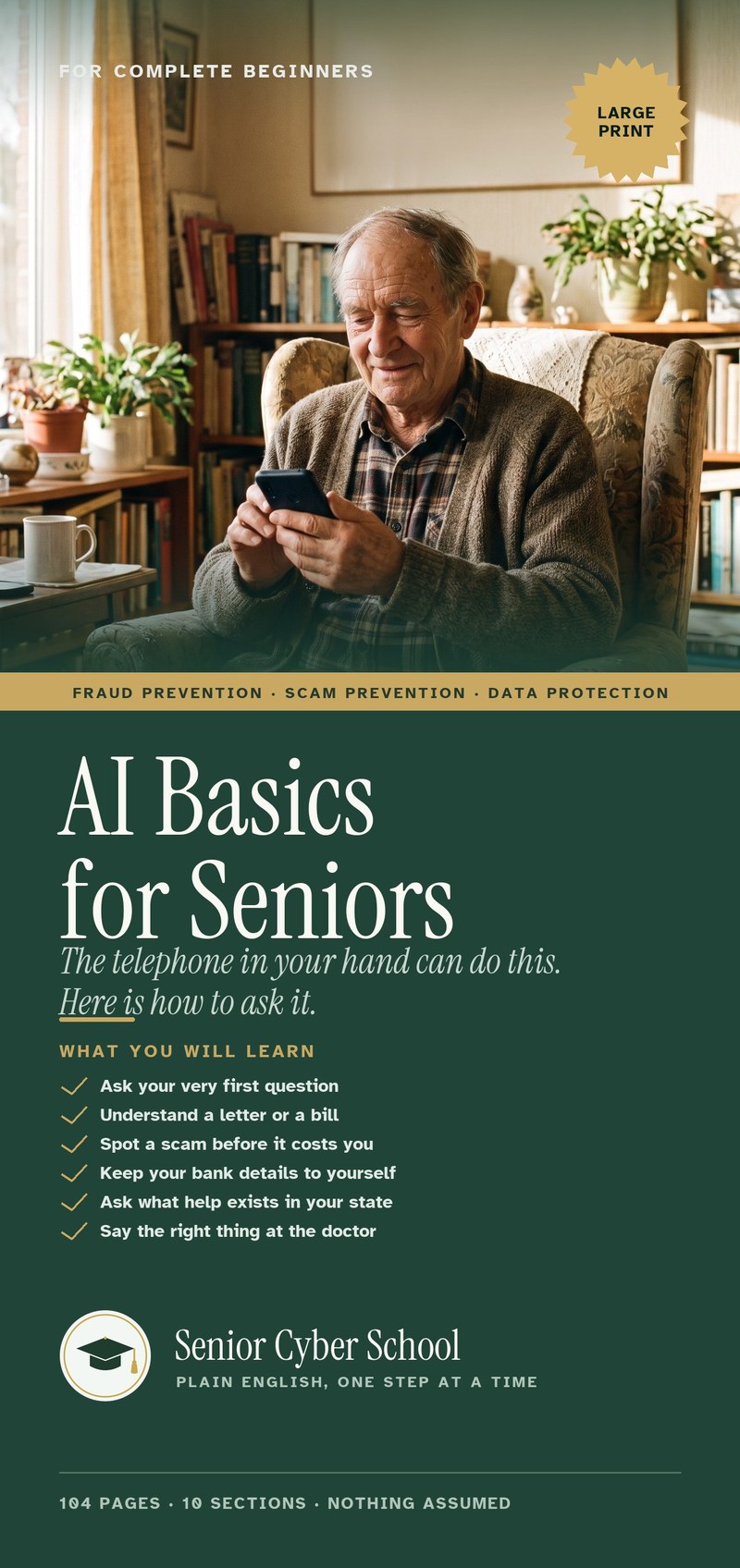
They are two of the sentences in a 104-page book called AI Basics for Seniors. One chapter is scams. The others are letters and bills, money and help, the doctor, writing, family, everyday things, shopping, and looking after someone.

Every page is large print. One idea per line. The book shows the screens for getting ChatGPT on your phone, iPhone and Android.

Here is what it costs, and the promise that comes with it.

THIS IS AN ADVERTISEMENT AND NOT AN ACTUAL NEWS ARTICLE, BLOG, OR CONSUMER PROTECTION UPDATE. Published by Senior Cyber School, the seller of the book described. The price is stated on this page.
The book

What you get.

Cover: AI Basics for Seniors

AI Basics for Seniors

$39 once

  • The whole book as one file. It opens with a tap.
  • A sentence for every situation, written out in full.
  • Getting started, step by step, with pictures of the screens.
  • Opens on iPhone, Android, a tablet or a computer.
  • One payment. Nothing renews. Yours to keep.
Get the book — $39 →

By email, usually within minutes.

  • Safe, secure checkout
  • Card or PayPal
  • Arrives by email in minutes
  • Yours to keep forever
If anything goes wrong

Email us.

Any problem with the book, the email or the app: write to info@seniorcyberschool.com. A real person replies within 6 hours.

— Senior Cyber School

Who is behind this

What we are, and what we are not.

  • A real person answers every email, before you buy too.
  • Senior Cyber School is a private company. Not the government, not Medicare, not OpenAI.
  • No phone line yet. We will not print a number nobody answers.
Questions

Tap a question to see the answer.

Do I need to know anything first?

No. The book starts at the very beginning: which app to get, how to get it, where to tap. Nothing is assumed.

Which app is it?

It is called ChatGPT, and the free version is all you need. The book shows you how to get it. You do not need to know anything about it before you buy.

Will it work on my phone?

Yes. iPhone or Android, and a tablet or computer too. The book shows both kinds of phone.

Who sees my letter when I photograph it?

The company that makes the app, never us. The book shows you how to cover account numbers with a slip of paper first.

Is it a subscription?

No. $39 once. Nothing renews. The book is yours to keep.

What if I get stuck?

Write to info@seniorcyberschool.com. A real person answers within 6 hours, Monday to Friday. Before you buy, too.

The email has not come.

Look in Junk; some phones call it Spam. Still nothing? Write to us and a real person will send the book again.

Can I buy it for my mother or father?

Yes. Buy it with your own email, then forward that email; the button in it works for them too. Being there for the first question helps.

Cover: AI Basics for Seniors, Senior Cyber School
$39 once · the whole book, by email
Get the book — $39