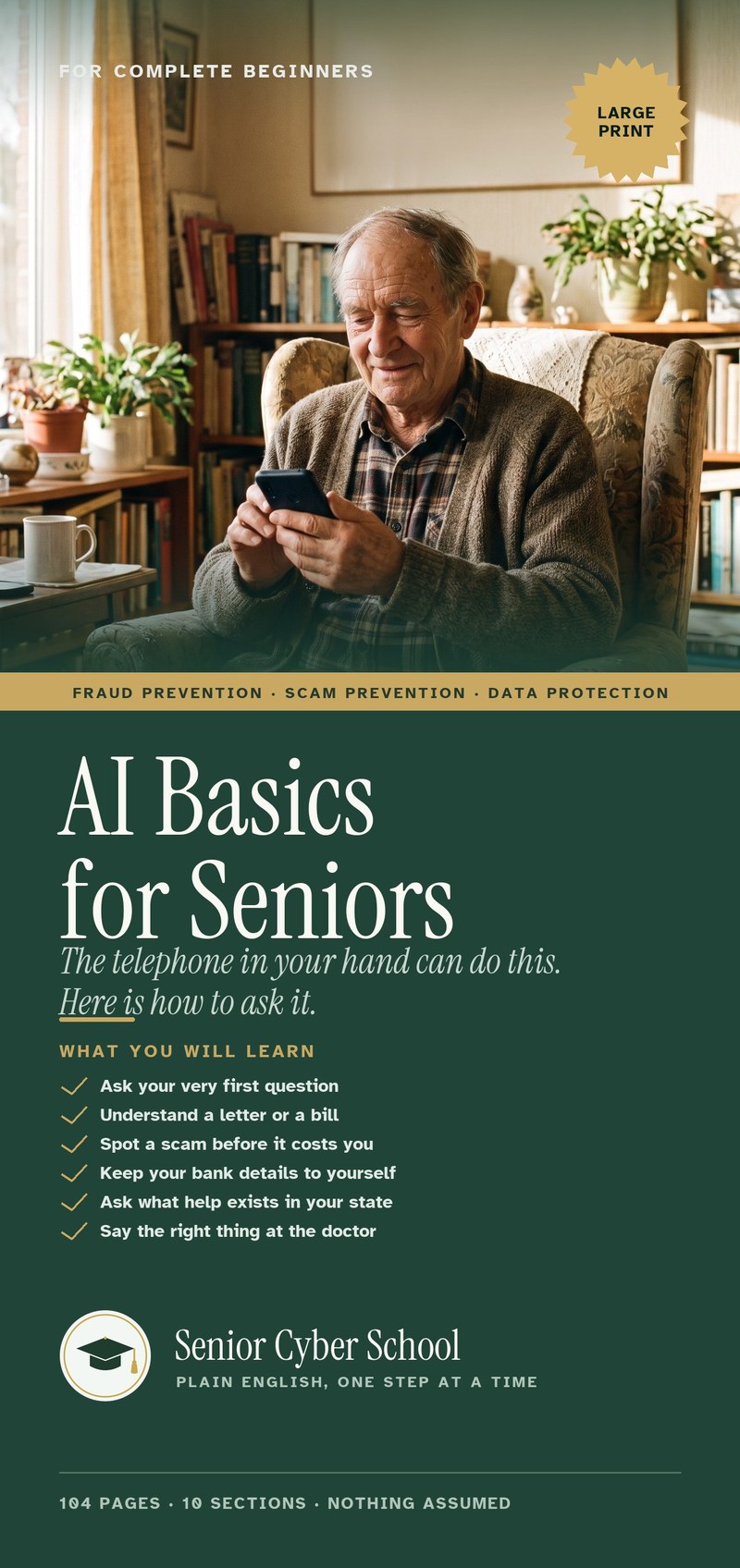
The letter on the kitchen table, and the one sentence that explains it.
A free program on your phone can read a bill or a letter and say what it means. Here is how, step by step. And what to watch for.
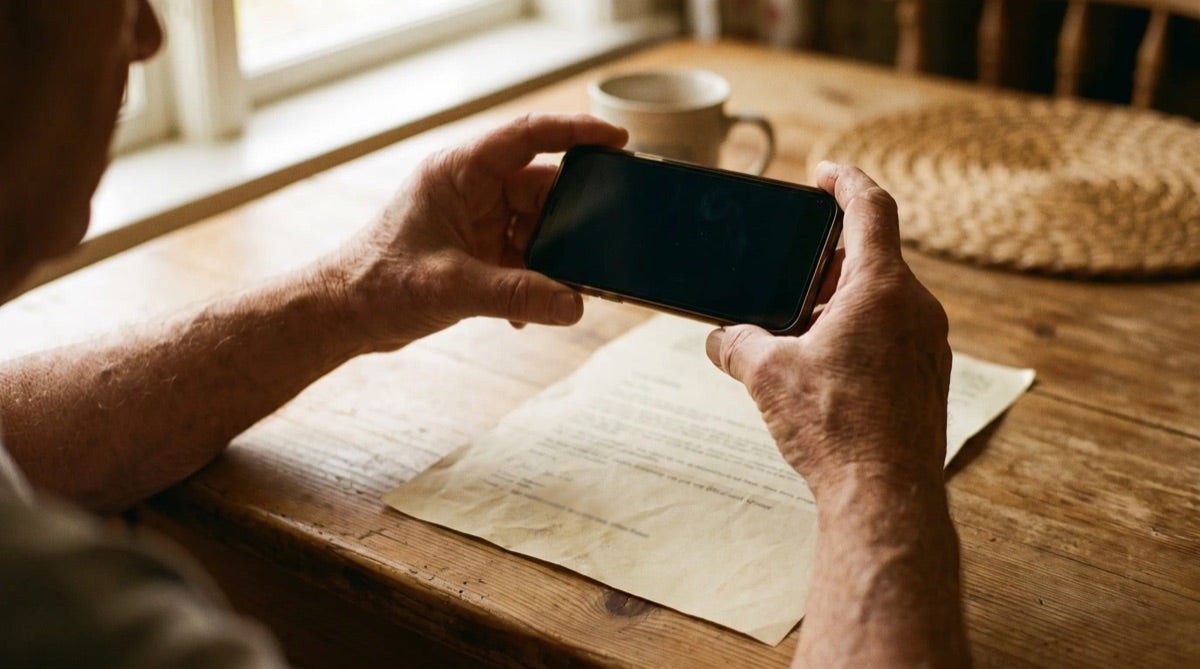
Nobody understands these letters on first reading.
A letter comes from Medicare, an insurer or the bank. Most people read it twice and still cannot tell whether anything is owed. So it goes on the pile.
That is how the letters are written. It is not the reader.
Nobody understands these letters on first reading. Take your time.
There is now a program that reads them for you.
It is called ChatGPT. Say it "chat G-P-T". It has a free version. You need a free account: an email and a password, no card. A company called OpenAI makes it. Not us.
You add it to your phone once, from the same place your other apps come from. Then you type a question. It answers in plain English.
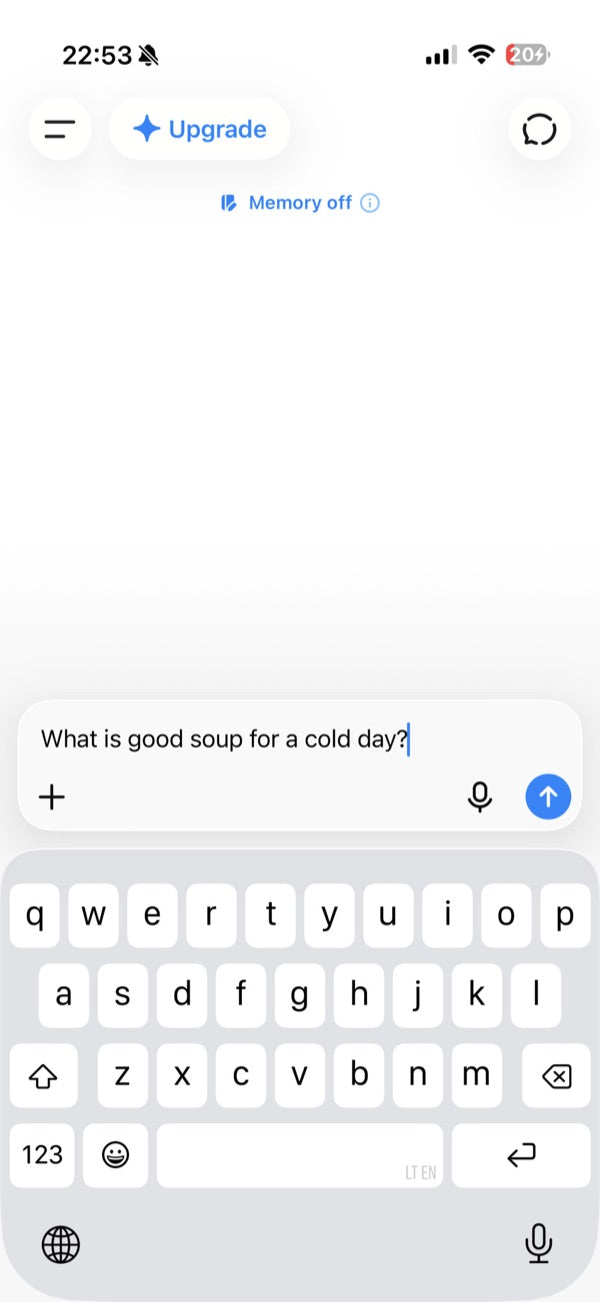
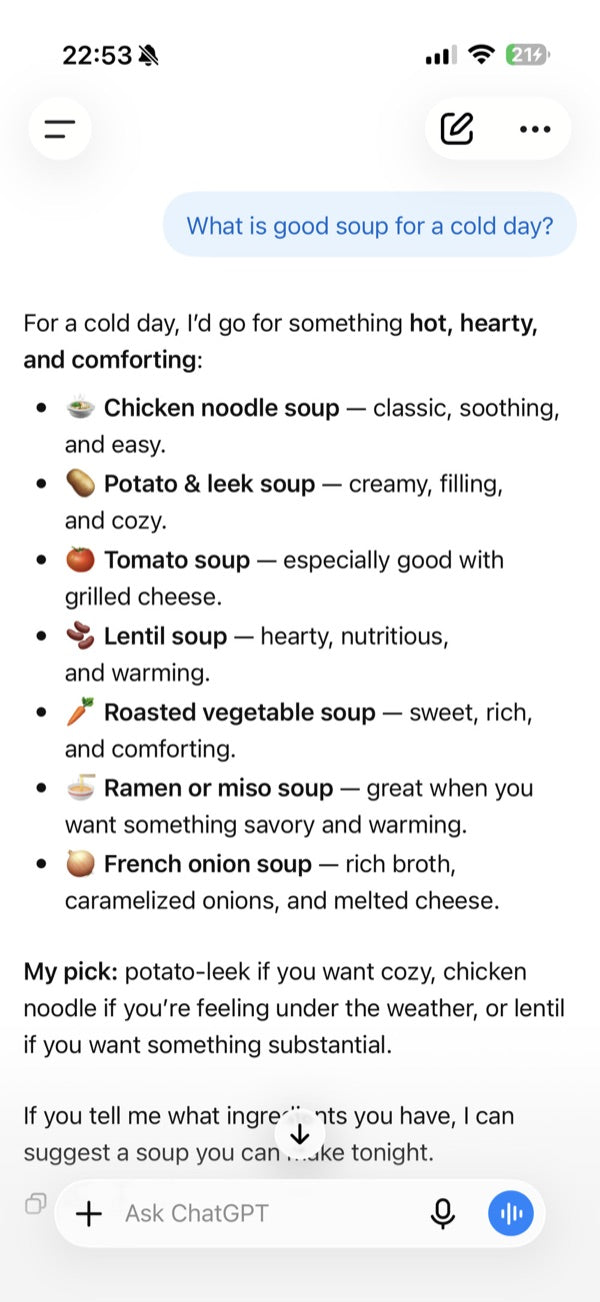
These are real ChatGPT screens.
Here is the sentence to type for a letter.
“Here is a letter I received. Explain in plain English what it says, whether I need to do anything, and by when.”
You type it word for word. Type slowly. A small mistake is fine.
The five steps, on one page.
- Cover any numbers printed on the letter with a slip of paper.Account numbers, Medicare or Social Security numbers.
- Open ChatGPT. Tap the small plus sign next to the box where you type.Then tap Camera. Take a picture of the whole letter.
- Type the sentence under the picture.The one above. Word for word. Then tap the arrow.
- Read the answer.It says what the letter is, whether anything needs doing, and by when.
- Go by the dates and money printed on the paper.Not the ones on the screen. It can read a number wrong.
The catch.
ChatGPT can be wrong. It can read a number wrong. So you check the dates and the money on the paper.
For money, medicine or the law, ask a real person. Every state has a free program called SHIP, the State Health Insurance Assistance Program. A SHIP counselor can go through a Medicare letter with you.
Where the sentence came from.
It is one of the sentences in a 104-page book we wrote, called AI Basics for Seniors. AI is the kind of program ChatGPT is. One sentence for each thing that happens: a bill, a form, a scam call, a word the doctor used, a grandchild's question.
Every page is large print. One idea per line. The book shows the screens for getting ChatGPT on your phone, iPhone and Android.
Here is what it costs, and the promise that comes with it.
THIS IS AN ADVERTISEMENT AND NOT AN ACTUAL NEWS ARTICLE, BLOG, OR CONSUMER PROTECTION UPDATE. Published by Senior Cyber School, the seller of the book described. The price is stated on this page.